
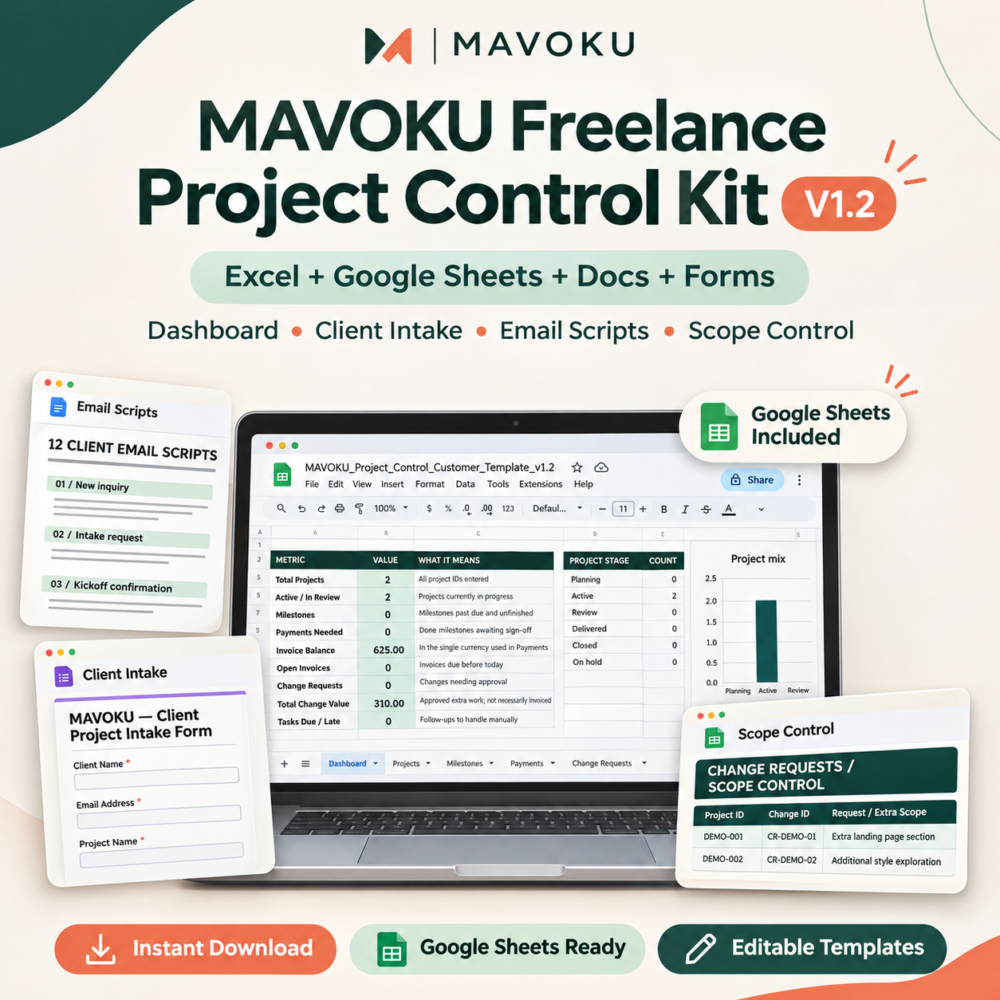
Keep projects moving. Protect your scope. Know what’s outstanding.
A practical Excel-based control system for freelancers and small service teams. Track client work, project milestones, approvals, invoice balances, scope changes, and follow-ups without adding a monthly software subscription.
See the actual product screens
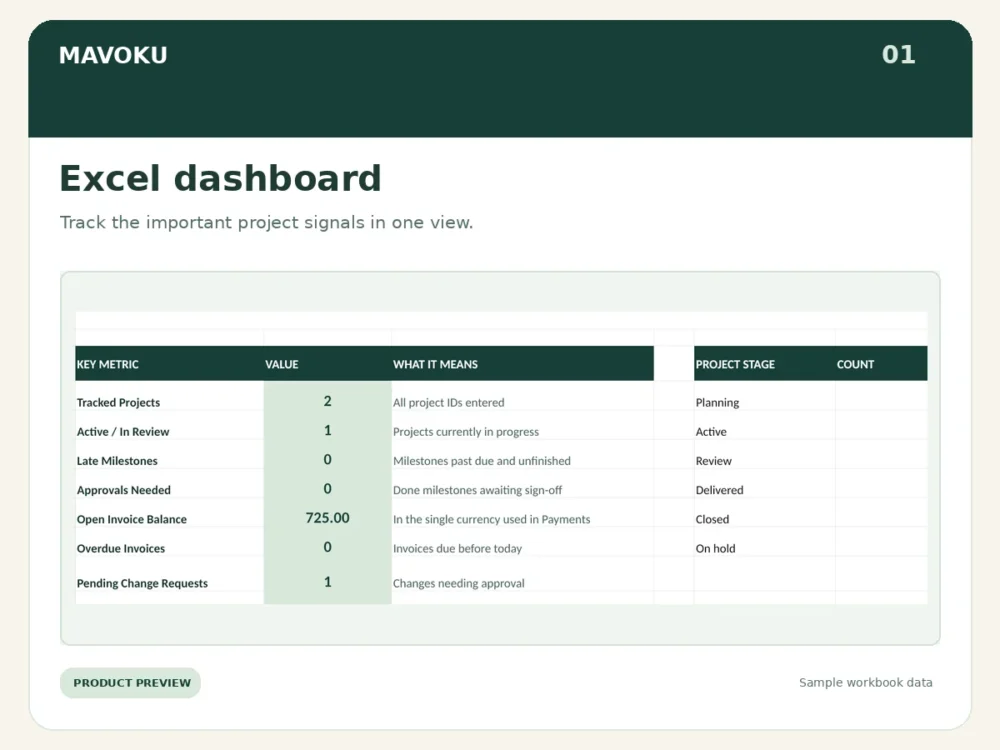
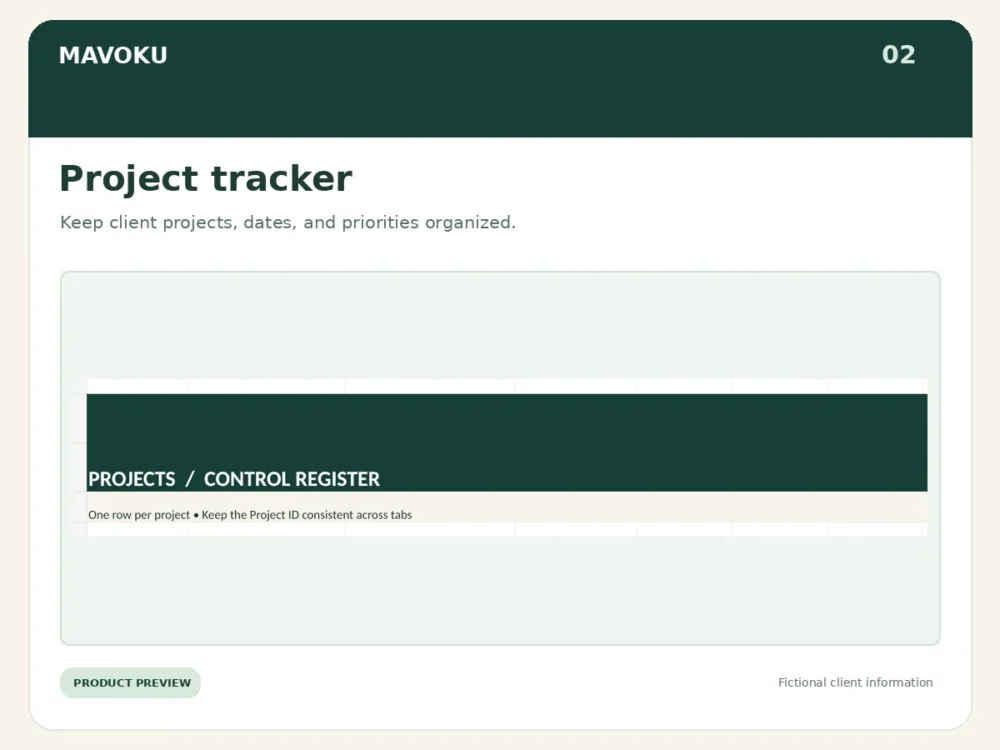
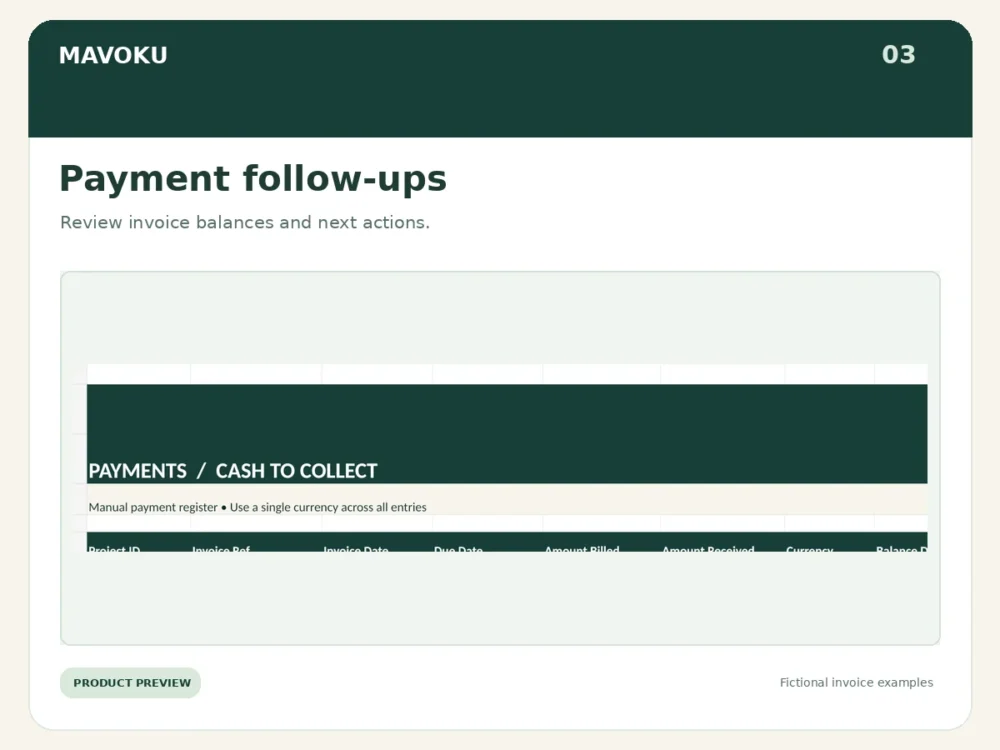
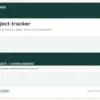
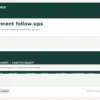
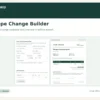
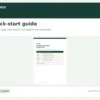
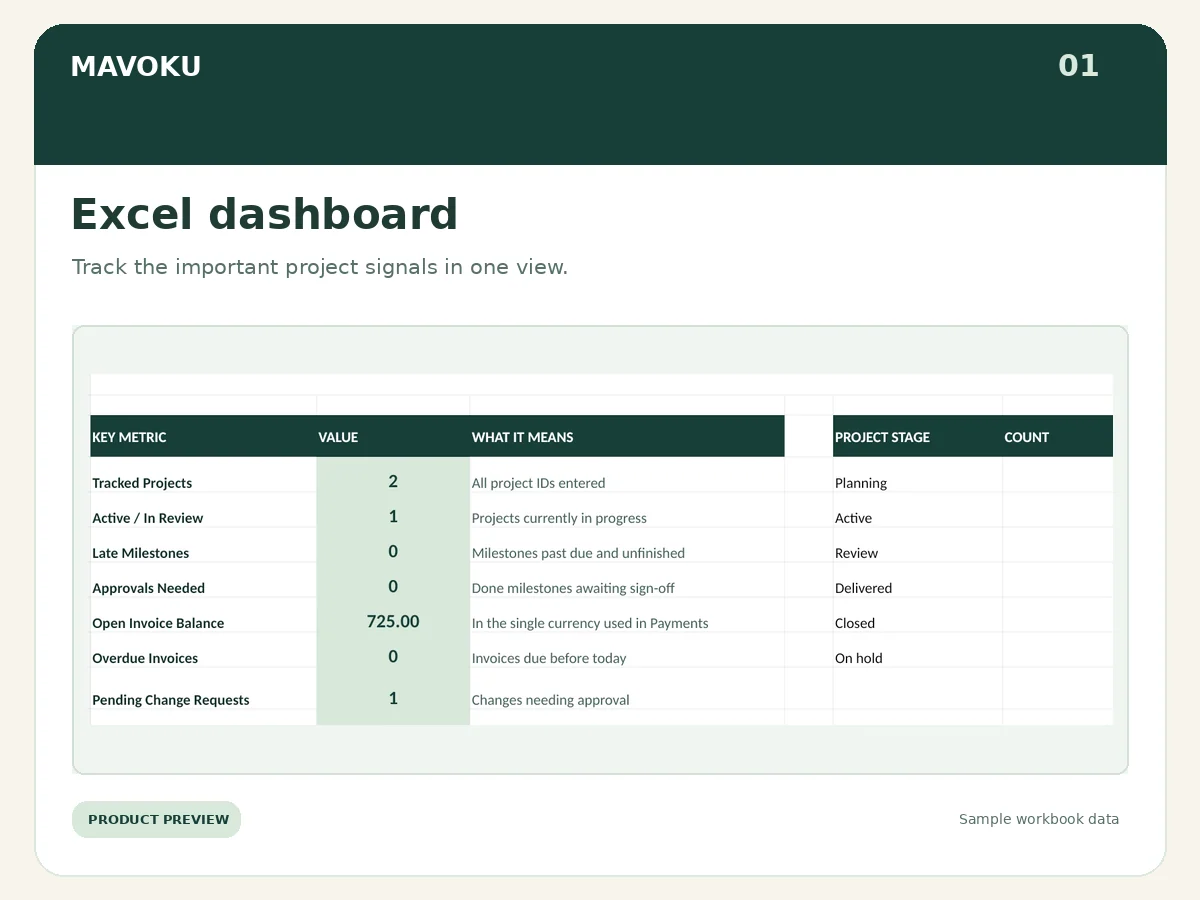
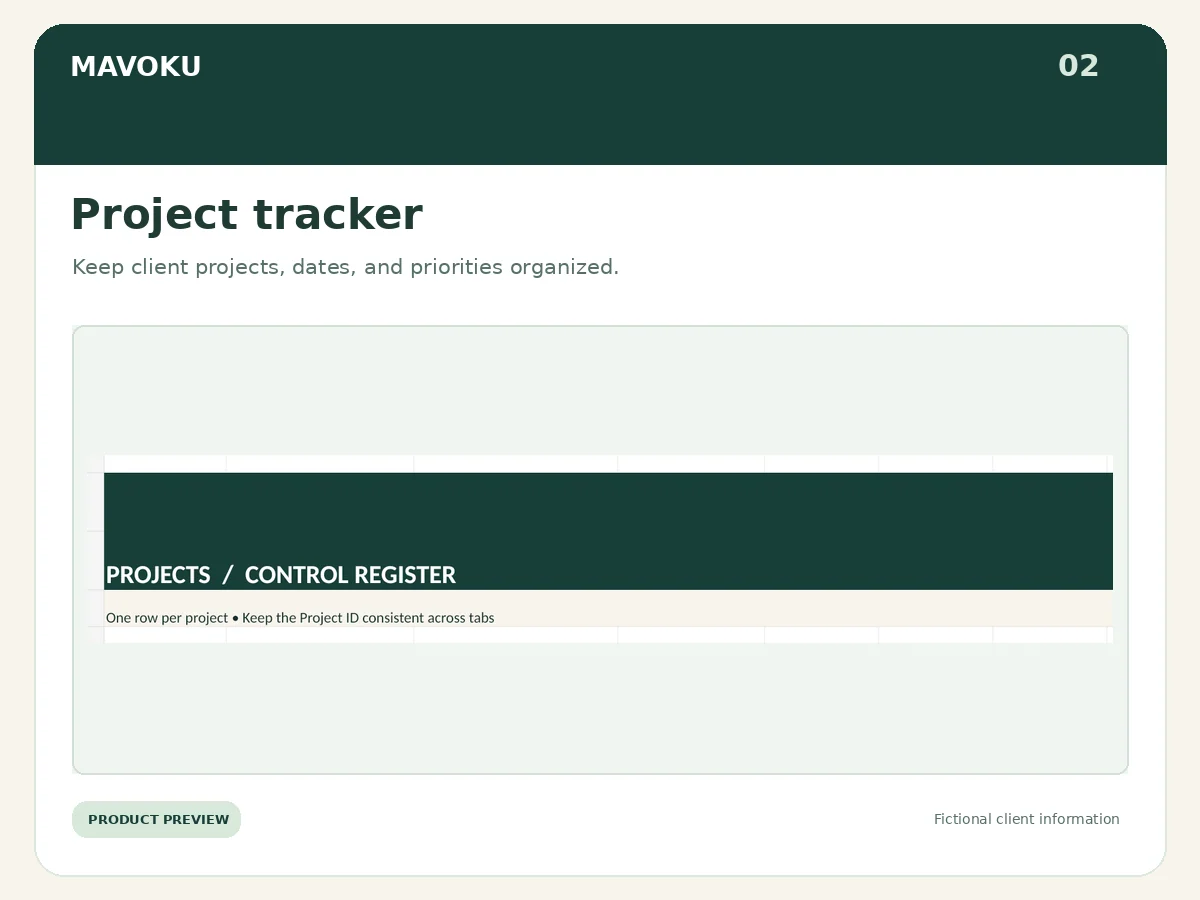
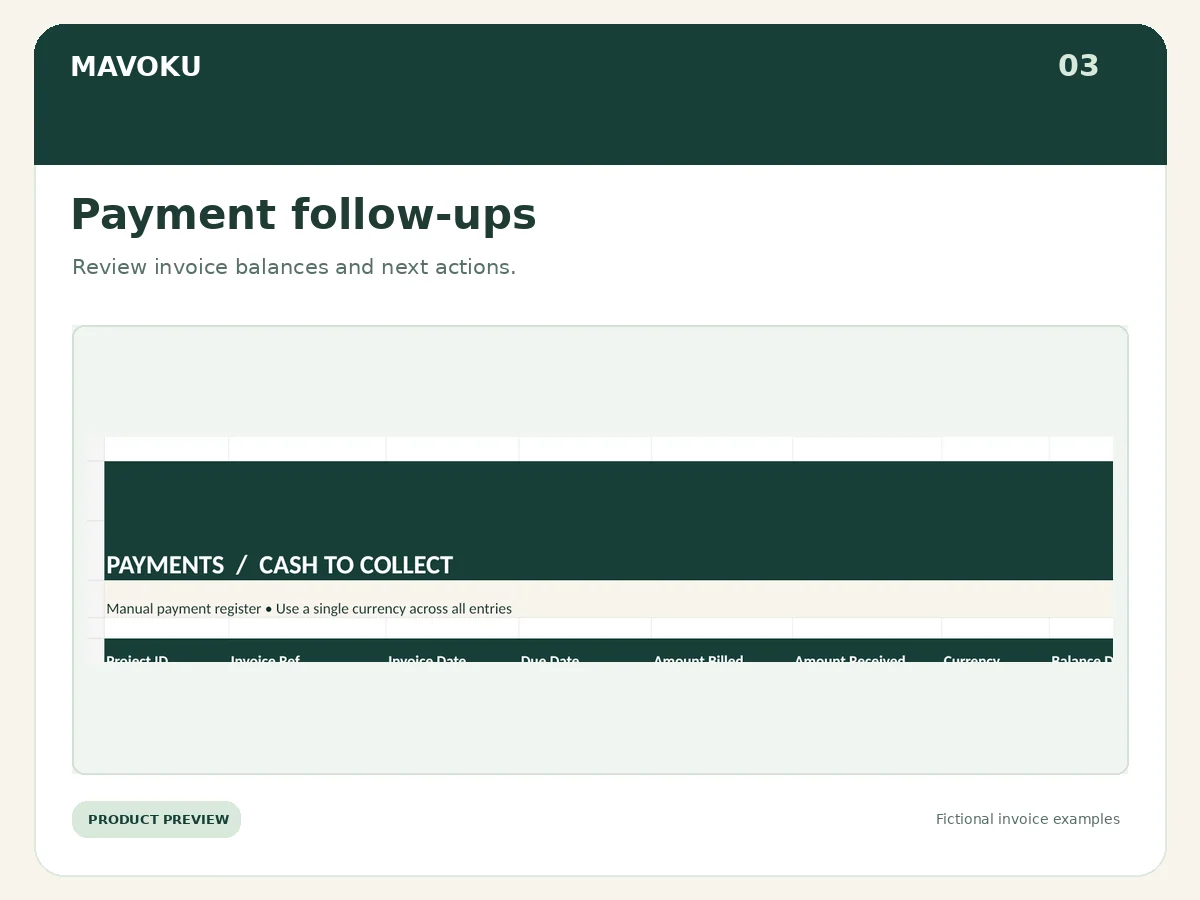
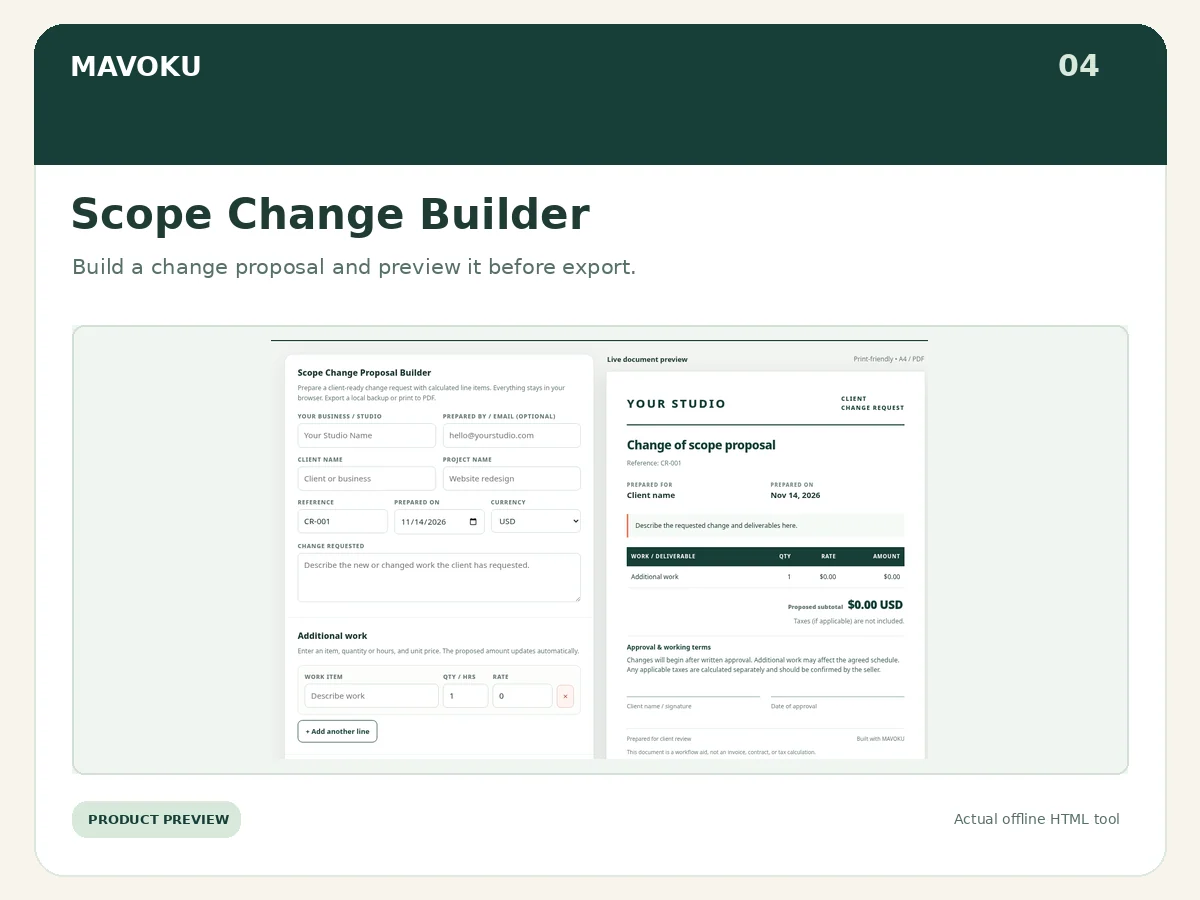
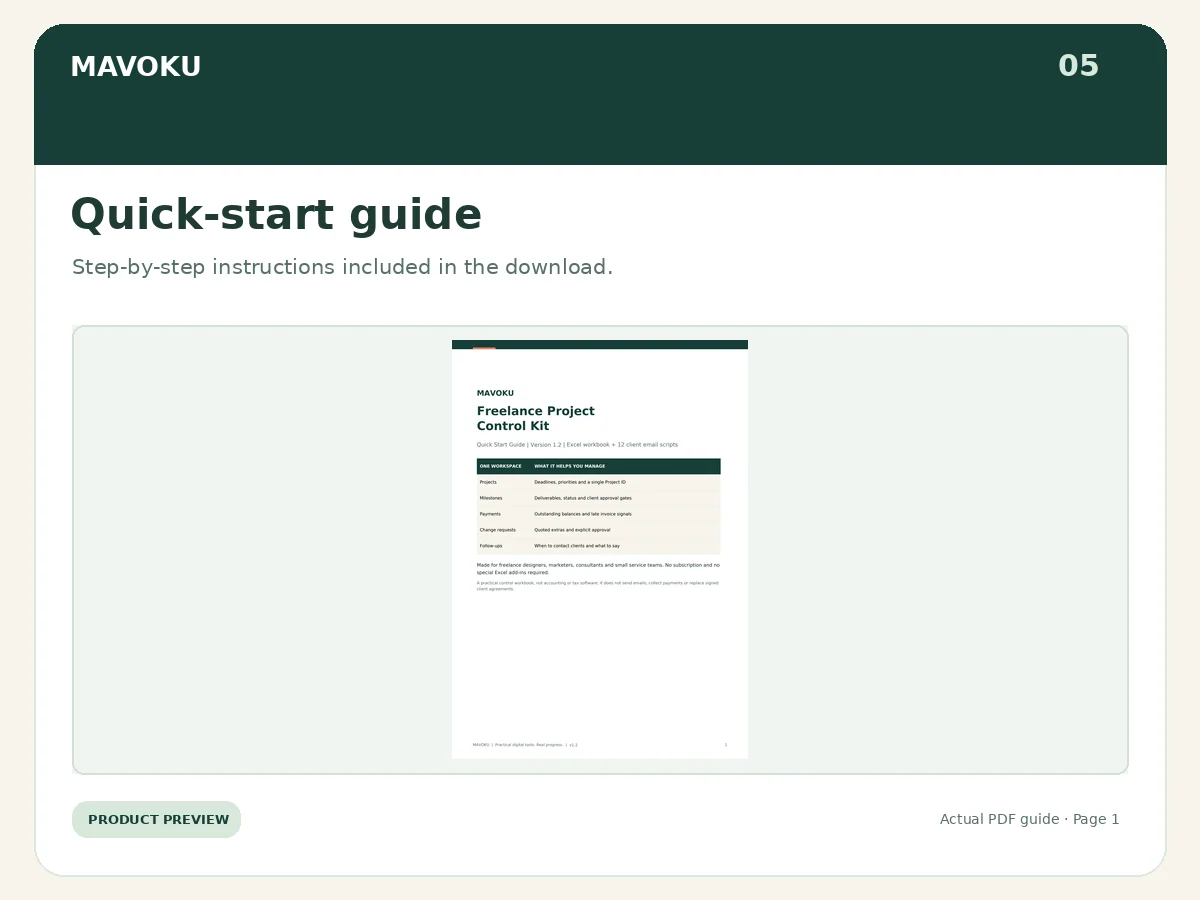
Explore five genuine previews from version 1.2: the Excel dashboard, project and payment trackers, the offline Scope Change Builder, and the Quick Start Guide. Workbook entries and client names shown are fictional demonstration data. Click an image to view a larger version.
What you get
- Dashboard with nine operational metrics and a project-stage overview
- Projects register with client details, stages, deadlines, priorities, and due flags
- Milestone tracker with deadlines and client approval signals
- Invoice and payment tracker with outstanding balances and overdue flags
- Change-request register to capture extra work and approval status
- Follow-up planner for next actions and manual outreach
- Client intake register and 12 editable client email scripts
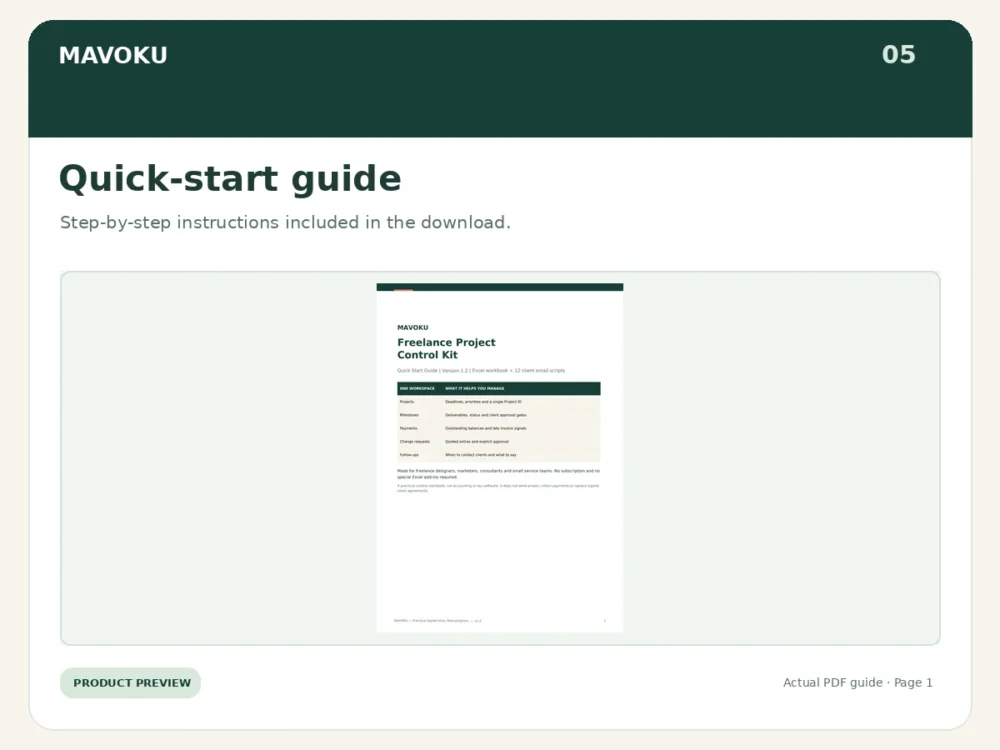
- Quick-start PDF, README and end-user license
How it works
- Download the ZIP file and extract it.
- Open the Excel workbook and read the Quick Start guide.
- Replace fictional DEMO entries with your own client and project information.
- Review your dashboard and follow-up flags regularly; send client messages manually.
Who it’s for
Freelance web designers, developers, virtual assistants, consultants and small creative or service teams managing project-based client work.
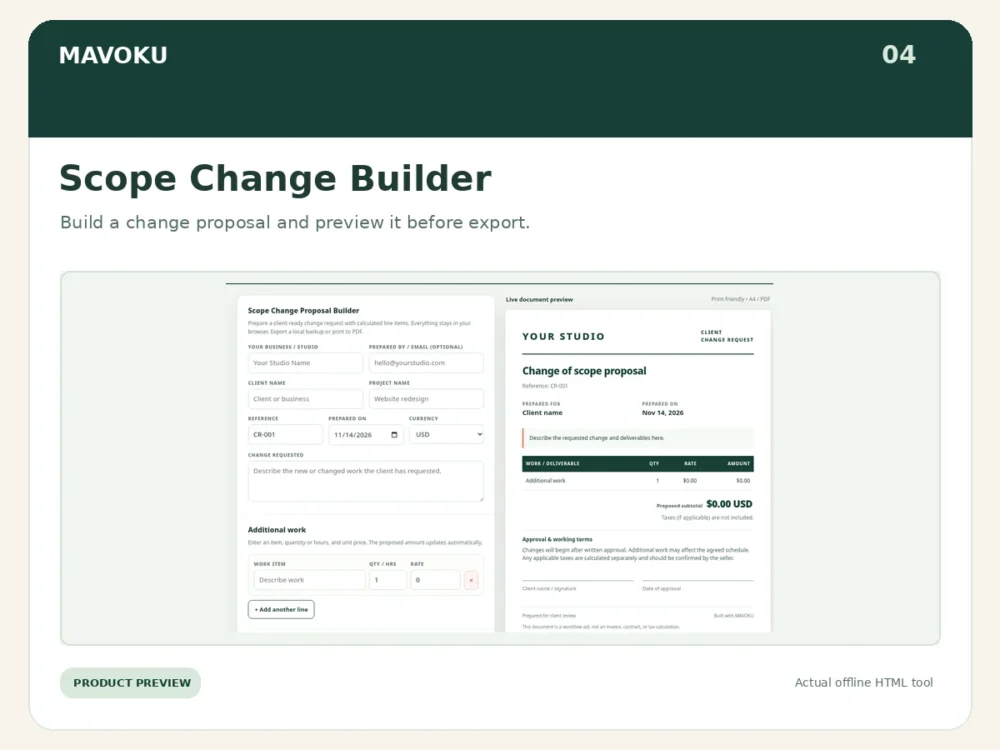
NEW: Offline Scope Change Proposal Builder
Create client-ready proposals for extra project work in a browser, with line-item subtotal calculation and export to PDF, JSON, or CSV. Works offline in a single HTML file and requires no account, subscription, or internet connection. Print-friendly branded proposals include approval and signature lines. This is a proposal tool, not an invoice, tax calculator, legal contract, or e-signature service.
Technical details
Digital ZIP download. Includes .xlsx workbook, PDF guide, plain-text email scripts, README and license. Requires a spreadsheet app compatible with Microsoft Excel .xlsx files. Google Sheets import may work but has not been fully verified. One currency per workbook; 100 prepared rows per major operational table.
What it doesn’t do
This is not accounting or tax software, a CRM SaaS, a payment gateway, automated invoicing or automatic email sending. Results depend on the accuracy of the data you enter. No specific revenue or collection outcomes are guaranteed.
Frequently Asked Questions
Does this kit work with Google Sheets?
Yes. You can import the supplied Excel-compatible spreadsheet into Google Sheets and save a copy. Check formulas, formatting and dropdown menus after importing, since features may behave differently across spreadsheet applications.
Do I need to buy Microsoft Excel?
No. You can choose the Google Sheets workflow with your Google account. Microsoft Excel is an alternative if you already have access to it.
Is this a subscription?
No. MAVOKU sells this kit as a one-time digital download, with no recurring MAVOKU software fee.
What is included in my download?
The ZIP kit includes a project-control workbook, client email scripts, an offline Scope Change Proposal Builder, quick-start instructions, and supporting files as described above.
Will it automatically send reminders or invoices?
No. The toolkit helps organize payment records and follow-up tasks. Sending client messages, invoices and approval requests remains a manual process.
How do I start using it?
Read the included Quick Start guide, create a working copy, review the fictional demo entries, then enter your own project details. Preserve formula columns and use one consistent Project ID across related sheets.
Questions before purchase? Email support@mavoku.com.
mavoku_manager (verified owner) –
good